Set the visual anchor
Describe the main subject, its position, and the part of the frame that should remain easy to follow. Mention a reference image when appearance matters more than transformation.
Movement workflow
Deevid motion control helps turn a still concept or generated scene into a clip with clearer direction. Start with a stable subject, a defined camera move, and one visual priority.
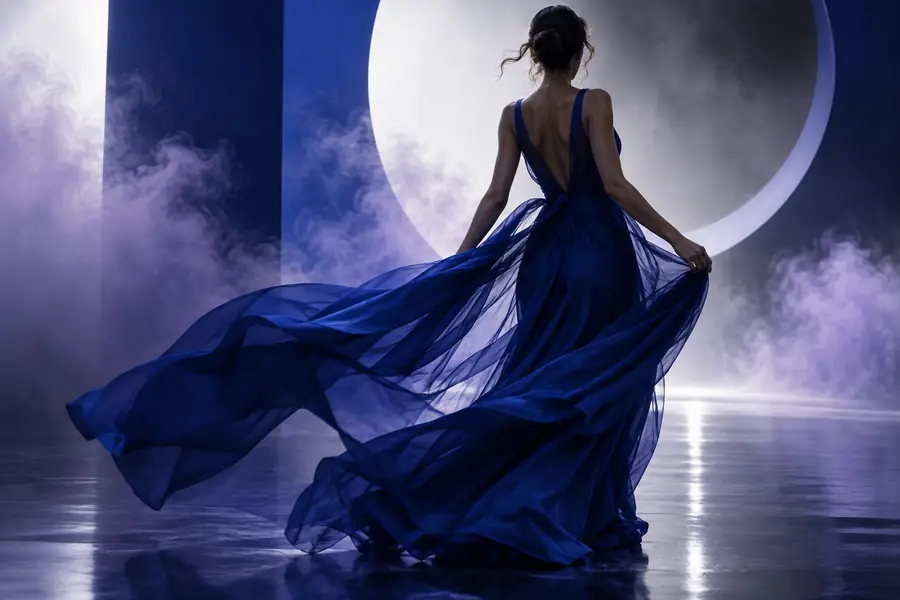
Plan the shot
A small amount of preparation makes motion prompts easier to interpret and easier to refine.
Working sequence
Use this repeatable sequence whenever a first result feels close but the movement is not yet controlled.
Describe the main subject, its position, and the part of the frame that should remain easy to follow. Mention a reference image when appearance matters more than transformation.
Choose a single action such as pan, track, orbit, zoom, tilt, or a slow push-in. Add direction and pace, for example, “camera tracks right slowly as the subject walks forward.”
Inspect the result for drifting identity, unwanted camera shake, or an unclear endpoint. Change one instruction at a time so you can tell which adjustment improved the clip.
Practical choices
Different creative jobs call for different levels of direction. These examples show where each related Deevid capability can fit around a motion-led workflow.
You have a strong still frame and want a subject to cross the scene with a deliberate camera follow.
Keep the prompt focused on direction, speed, and framing; use the deevid ai video generator when the clip needs to begin from a broader text brief.
deevid ai video generatorYou need to test several movement concepts before choosing one for a storyboard or pitch.
Use concise motion variations and compare the resulting rhythm; the deevid ai agent can help structure a larger sequence of creative tasks.
deevid ai agentA product image needs a restrained push-in, turn, or reveal without losing the original composition.
Prioritize controlled camera language and specify what must remain fixed. Pair the visual with deevid ai music when the finished concept also needs an audio direction.
deevid ai musicYou want to show how a character, prop, or camera could move between two visual beats.
Describe the starting pose and the intended endpoint, then keep the action simple enough to evaluate at a glance.
deevid ai video generatorQuick estimator
Use the slider as a planning aid for a small batch of motion tests. It estimates working time, not a guaranteed generation result.
Visual diagnosis
A before-and-after view makes it easier to spot whether the problem is the movement instruction or the underlying image.
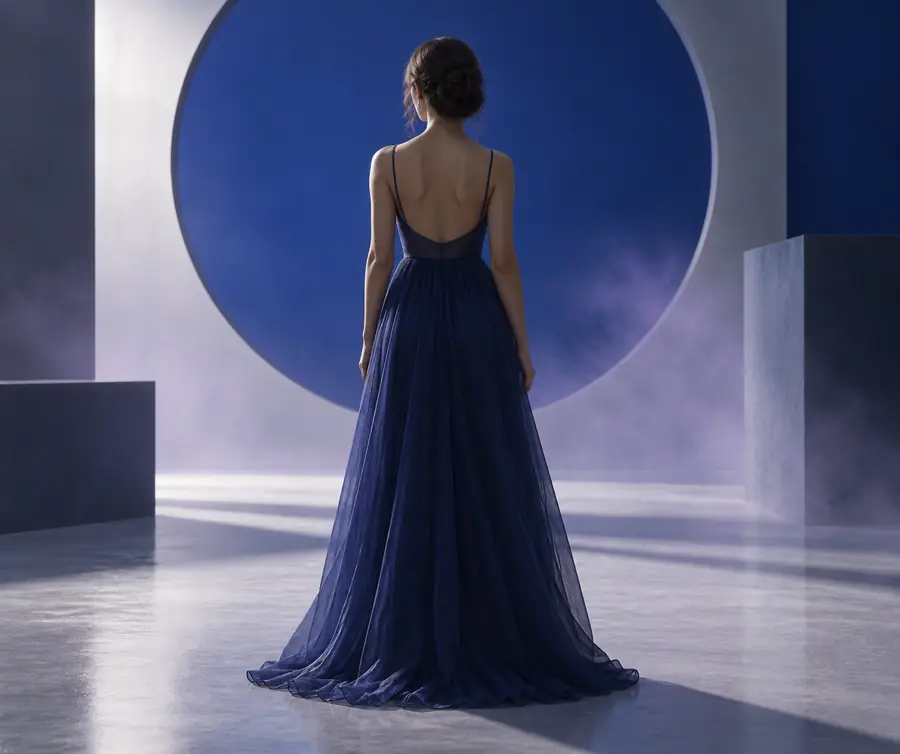
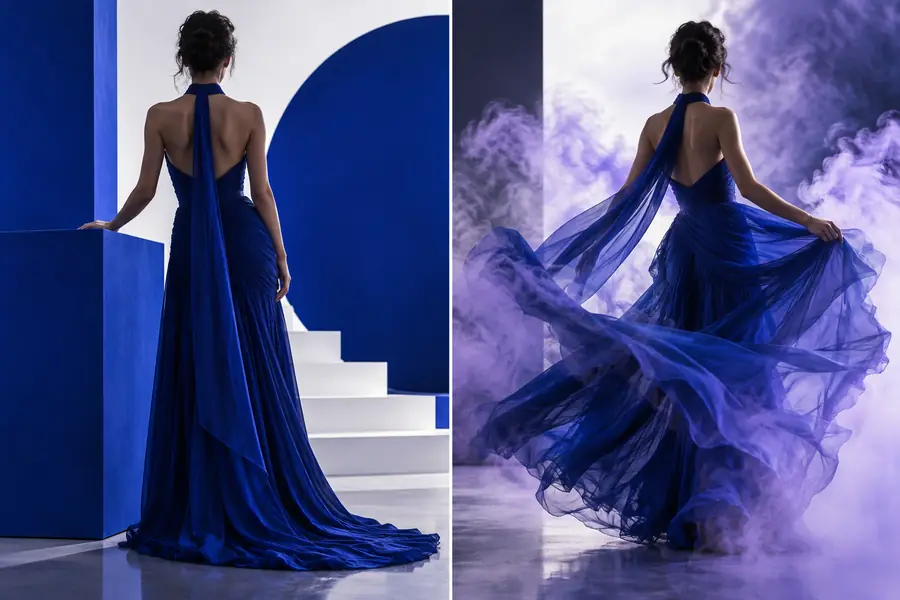
Look first at subject consistency, then camera path, then the ending frame.
Control comparison
Compare a loose request with a more useful motion brief before you generate another version.
Loose direction
The person moves naturally.
Directed motion brief
The person walks from left to right at a steady pace.
Loose direction
Make it cinematic.
Directed motion brief
Camera tracks right with the subject.
Loose direction
Keep it smooth.
Directed motion brief
Use a slow, even movement with no sudden acceleration.
Loose direction
Show the whole scene.
Directed motion brief
Keep the subject near the center third of the frame.
Loose direction
Animate everything.
Directed motion brief
Keep the background stable while the subject moves.
Loose direction
End beautifully.
Directed motion brief
Finish with the subject facing the storefront for one clear beat.
Related workflows
If the movement test reveals a different production need, these related Deevid paths offer a more suitable starting point.
Common questions
Deevid motion control is a way to describe how a subject, camera, or scene should move in a generated video. The clearest prompts separate the object that moves from the camera path, direction, pace, and intended endpoint.
Start with the subject and its position, then state one action and one camera movement. Add timing words such as slow, steady, or quick, and finish by naming what should remain stable in the frame.
A still image can provide the visual starting point for a motion-led experiment when the workflow accepts an image reference. Describe the movement conservatively at first, because complex actions can introduce more drift than a simple pan, track, or push-in.
Instability often comes from combining too many actions, leaving the camera path vague, or asking the subject to change pose dramatically. Reduce the prompt to one main movement, identify a visual anchor, and revise only the weakest instruction.