1
Starting material
Text-to-video
A written description of the scene
Image-to-video
A still image supplied as a visual reference
Written idea to video
deevid ai text to video helps you move from a scene description to a visual draft without first preparing a reference image. Describe the subject, action, setting, mood, and camera direction, then inspect the result and refine the prompt.
Format comparison
Both workflows can produce video, but they begin with different kinds of direction. The choice affects how much visual control you provide before generation.
Text-to-video
A written description of the scene
Image-to-video
A still image supplied as a visual reference
Text-to-video
Exploring a new concept from scratch
Image-to-video
Animating an existing design, photo, or illustration
Text-to-video
Described through subject, framing, and camera language
Image-to-video
Inherited from the source image, then modified by instructions
Text-to-video
Depends on how clearly the prompt defines the subject
Image-to-video
Benefits from visible details already present in the image
Text-to-video
Specified through verbs such as pan, reveal, drift, or zoom
Image-to-video
Described as movement applied to the source frame
Text-to-video
Rewrite the scene description and adjust priorities
Image-to-video
Change the source image or revise the motion instruction
Text-to-video
More creative freedom, less guaranteed visual precision
Image-to-video
More visual continuity, less freedom to change the base composition
Output reality
A prompt communicates intent, not every visual fact. Compare the original direction with the generated result before treating the first draft as final.
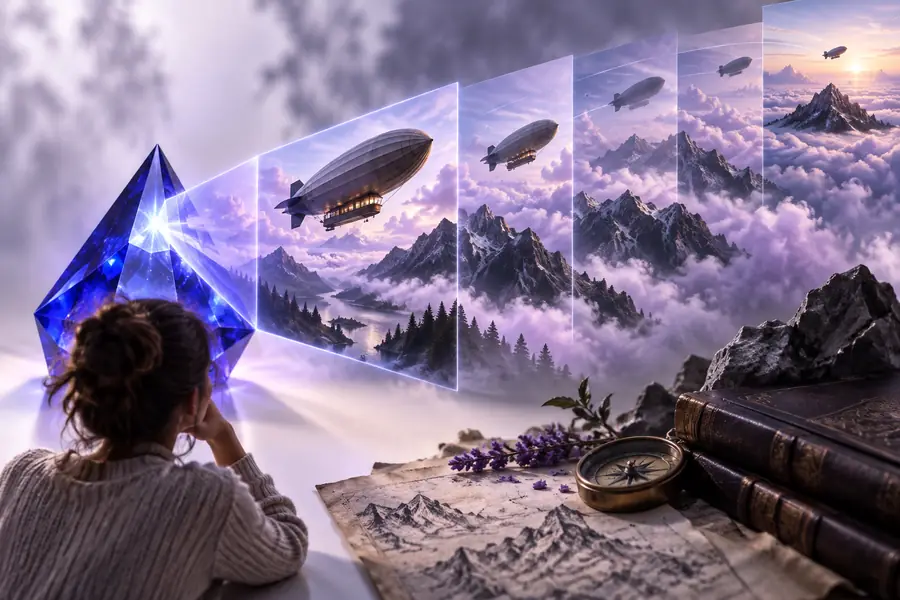
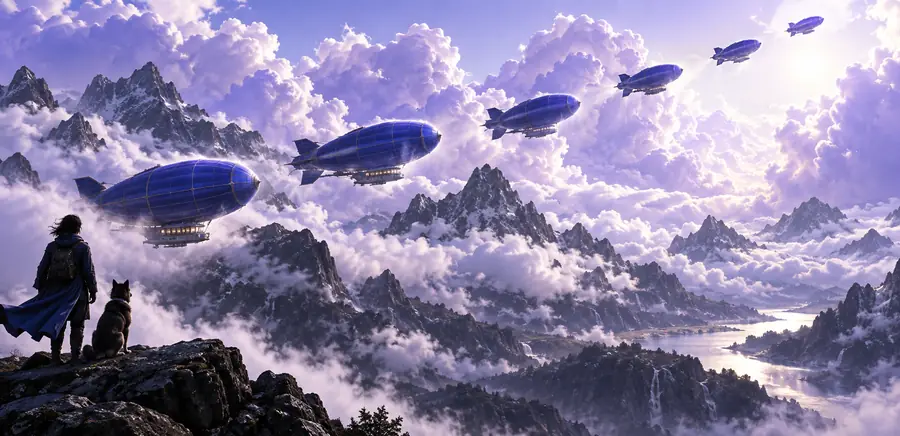
Check subject identity, object count, spatial relationships, readable text, hand details, and whether the camera movement matches the requested action. A strong mood can still hide a missed instruction.
Practical starting points
Different creators arrive with different materials. Choose the workflow that gives you the right balance of creative freedom, visual continuity, and revision control.
You have a scene in mind but no finished artwork, such as a misty forest reveal or a product hero shot.
Start with descriptive language, then refine the subject, setting, camera movement, and mood in separate prompt passes.
deevid text to imageYou already have a poster, illustration, or product frame and want to introduce movement without rebuilding the composition.
Use the still as an anchor and focus the instruction on motion, depth, atmosphere, and the direction of the camera.
deevid image to videoYou want a repeatable path from an idea to a shareable draft and need to understand the main steps before experimenting.
Break the workflow into prompt, generation, inspection, and revision instead of trying to perfect every detail in one sentence.
how to use Deevid AIWorkflow evolution
The modern workflow combines familiar scripting habits with generative visual drafting. Each stage reduces a different kind of production friction.
A written idea normally became a shot list or storyboard before cameras, editing software, and visual effects could turn it into moving footage.
Stock footage, motion presets, and timeline-based editors made it easier to build short videos, but the creator still had to source and arrange the visual pieces.
Creators could develop a still concept first, creating a bridge between written direction and animated output through an image-led workflow.
Text-led generation lets a creator describe a scene directly, evaluate the result, and iterate on motion, composition, timing, and atmosphere.
Related formats
Variant FAQ
It is a prompt-led workflow that turns a written scene description into a video draft. You describe what should appear, how it should move, and the visual mood you want, then review the generated result.
Start with the subject and action, then add the setting, camera movement, lighting, style, and pacing. Clear priorities work better than a long list of unrelated details, so describe the most important visual instruction first.
A written prompt is designed for creating a scene from text rather than preserving a specific still. If your main goal is to keep an existing composition and add movement, an image-led workflow is usually the better starting point.
The prompt expresses intent, while the model must resolve composition, object relationships, motion, and timing into a finite sequence. Check which instruction was missed, simplify competing directions, and regenerate with that priority stated more clearly.
Watch for subject consistency, unwanted objects, awkward motion, camera direction, readable text, and changes in lighting or style. Review the beginning, middle, and end rather than judging only the first frame.