You have only an idea
Choose a text-led workflow. Describe the subject, action, setting, camera feel, and intended mood in one compact prompt. This is the simplest route when you are starting from a blank page.
Begin with confidence
This deevid tutorial for beginners shows a practical first session: choose the right starting point, describe one clear idea, review the result, and make a focused revision. You do not need a production background to begin.
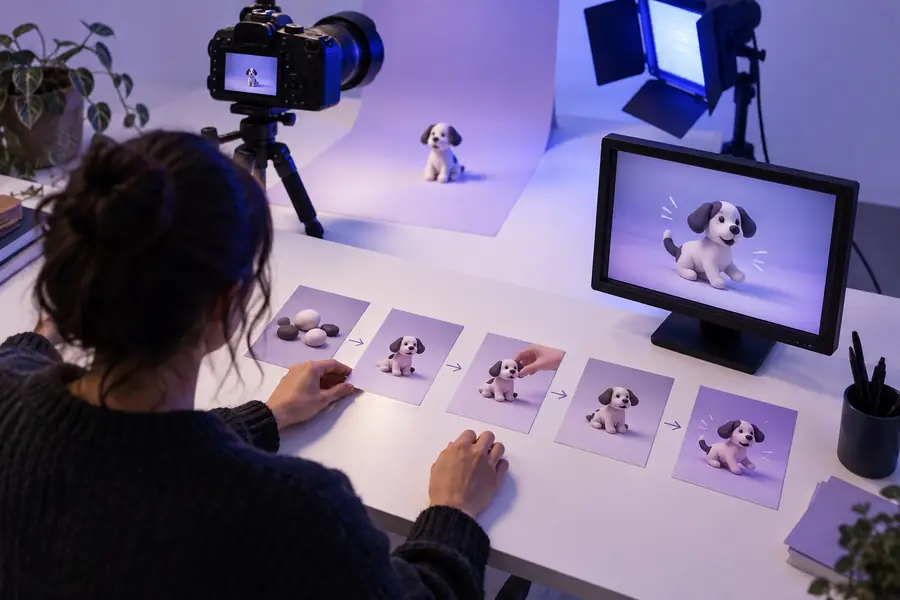
Start with the right route
The best first move depends on what you already have. Use this quick decision table before writing a prompt so your Deevid session starts with a clear input and a realistic outcome.
Choose a text-led workflow. Describe the subject, action, setting, camera feel, and intended mood in one compact prompt. This is the simplest route when you are starting from a blank page.
Choose an image-led workflow. Use the image to establish composition or character appearance, then explain the motion, transformation, and pacing you want Deevid to add.
Choose a revision workflow. Keep the useful parts, identify one visible weakness, and change one instruction at a time instead of replacing the entire idea.
Prepare before creating
A calm first session needs only a few decisions. These requirements keep the prompt specific without turning it into a long technical brief.
A single main subject makes the result easier to judge.
Use an observable verb such as walks, turns, pours, opens, or rises.
For example: a quiet kitchen at sunrise or a neon market at night.
Mention cinematic, playful, documentary, soft, dramatic, or another useful direction.
Optional when you want to guide the look, framing, or identity of the subject.
Write down what worked and the one change you want to test.
Keep the next step close
Once you have your starting material, move through the workflow in small decisions. These related guides cover the broader process without taking you away from this beginner path.
Know the boundaries
A beginner workflow works best when you judge the output fairly. Deevid can help you explore a visual idea, but it cannot remove every creative or technical decision for you.
A vague prompt may produce a visually attractive clip that misses the intended subject, action, or mood.
WorkaroundReduce the idea to one subject, one action, one setting, and one visual direction before trying again.
Characters, objects, hands, text, and fine details may change between moments or appear differently than expected.
WorkaroundUse shorter, simpler scenes and inspect the whole clip rather than judging only the first frame.
A generated video may still need trimming, caption checks, audio decisions, or a change to the opening frame.
WorkaroundWatch the export once without multitasking and write down the most visible improvement before revising.
Crowded scenes, many simultaneous actions, tiny labels, and complicated camera moves are harder to assess on a first attempt.
WorkaroundCreate a basic version first, then add only one extra layer of complexity in the next Deevid pass.
Compare the first pass
Use the before-and-after view as a review habit, not as a promise of automatic perfection. The useful question is whether the revision makes the requested action easier to see.
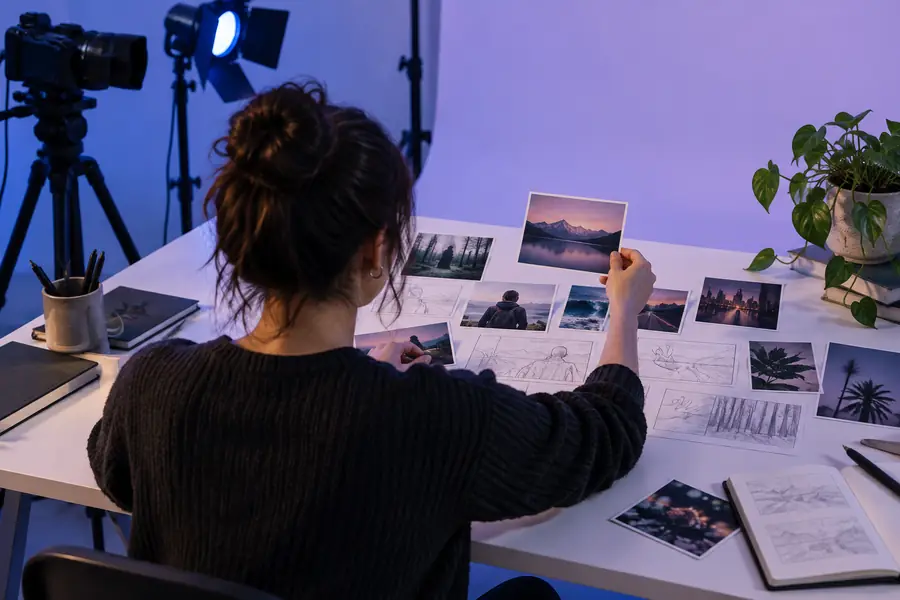
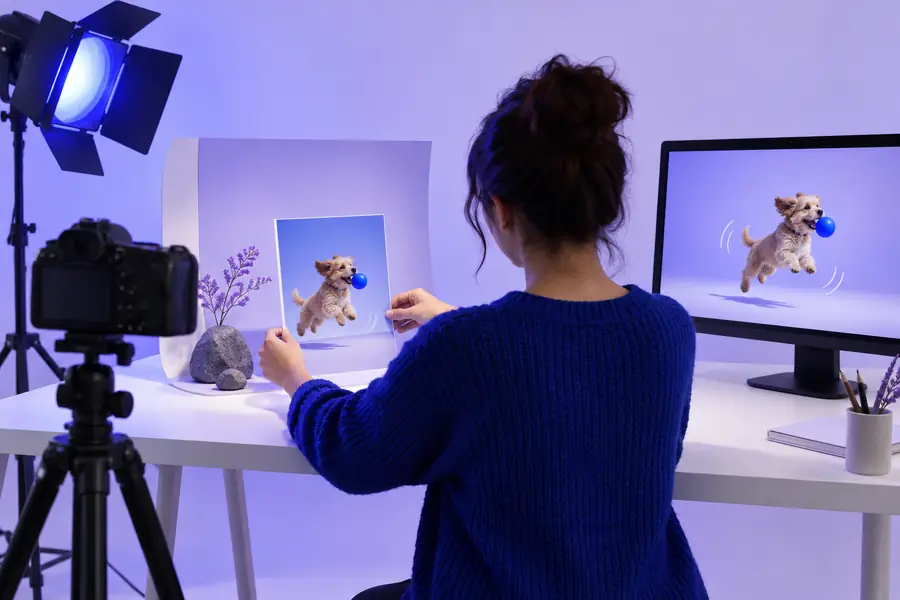
Before revising, name one visible problem. A sharper subject, simpler action, or clearer setting usually teaches more than changing everything at once.
Build a repeatable habit
A beginner format becomes easier when each session leaves a useful note for the next one. This timeline describes how a simple Deevid practice can develop without assuming that every result will be successful on the first try.
Choose a subject and action that can be understood quickly. Avoid combining a full story, several characters, multiple locations, and complex text in the first prompt.
Look for the strongest element first: composition, movement, atmosphere, or subject identity. Keeping one successful element gives the next prompt a stable direction.
A missing action is a major issue; a small texture or background detail is usually minor. Fix the major issue before polishing the small one.
Revise the action, setting, camera direction, or mood, but not all four at once. This makes the result easier to compare and teaches you which wording matters.
Keep a short note about the prompt structure that helped. Over time, your Deevid prompts can become more precise because they are based on observed results rather than guesses.
Questions new users ask
These answers keep the first session practical and focused, especially when you are unsure how much detail to include.
Start with one subject performing one visible action in one setting. A short, simple concept is easier to evaluate than a crowded scene, and it gives you a clear foundation for the next revision.
Aim for enough detail to identify the subject, action, setting, and mood, but stop before the prompt becomes a full script. Clear priorities usually help more than adding many adjectives or unrelated instructions.
Use text when you are exploring an idea from scratch and an image when you already have a useful visual reference. Neither route is automatically better; choose the input that gives you the clearest starting point.
Treat it as diagnostic information rather than a failure. Identify the most noticeable mismatch, change one instruction that addresses it, and generate another focused version instead of rewriting every part of the request.
Compare versions against the same goal: is the subject clearer, is the requested action easier to see, and does the setting support the idea? Keeping brief notes after each session makes improvement visible over time.