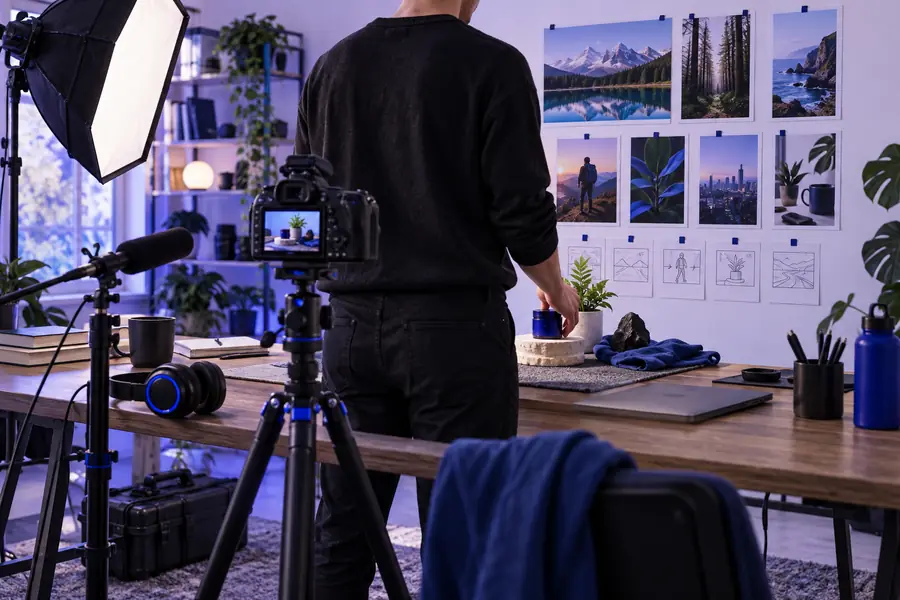
YouTube workflow

A practical guide to how to use deevid for youtube

How to use deevid for youtube becomes much easier when you treat it as a production assistant: start with a clear brief, create the visual assets, then review every detail before publishing.

Free to start · review before publishing
YouTube video workflow created with Deevid

Start with the bottleneck

The YouTube pain is consistency, not ideas

Most channels do not run out of topics first. They lose momentum when every thumbnail, intro, visual, and revision has to be rebuilt from scratch.

Solo creator

You have a strong topic but need a visual direction, opening sequence, and supporting clips before recording or editing.

Use one focused brief to move from a rough concept to a practical production checklist. The broader capabilities in the deevid ai video generator can help shape the visual starting point.

deevid ai video generator

YouTube educator

A lesson needs visual examples, scene changes, and concise on-screen explanations without turning every upload into a large editing project.

Break the lesson into short scenes, specify the teaching point for each one, and create a consistent visual language that supports the narration.

deevid ai text to video

Product marketer

A product launch needs several versions for a channel trailer, feature explainer, and short-form announcement.

Reuse the same core message while changing the opening hook, aspect ratio, and callout sequence for each YouTube placement.

deevid image to video

Small media team

Writers, editors, and channel owners need a shared visual reference before production begins.

Turn the initial concept into a reviewable example so the team can resolve pacing, tone, and scene questions earlier.

deevid examples youtube
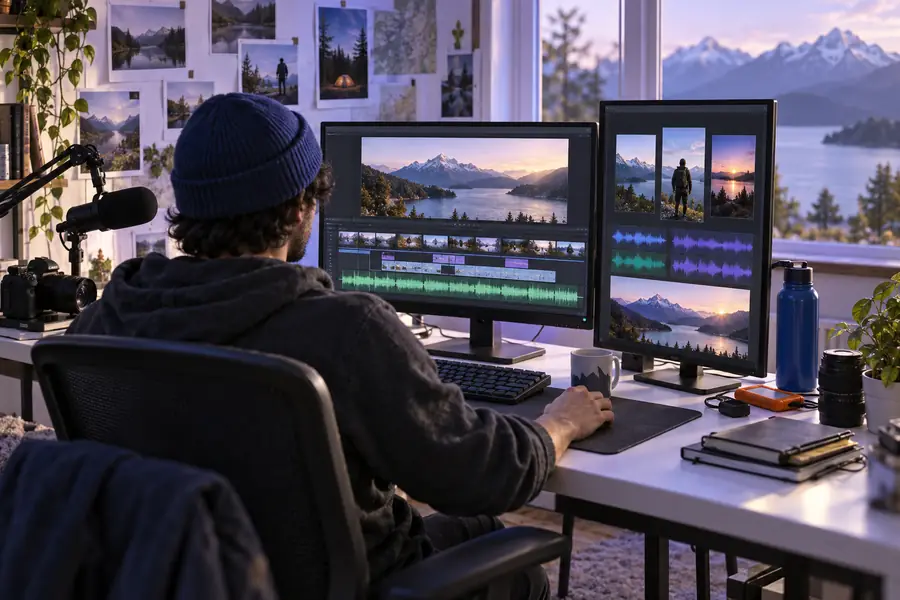
Three repeatable paths

Three concrete workflows for YouTube

Choose the workflow that matches your starting material. Each path keeps the prompt, visual direction, and review step connected.

Workflow Best starting point
1

Concept to video

Workflow

Write the subject, audience, duration, tone, scenes, and closing action in one brief.

Best starting point

A new video idea with no finished visual assets.

2

Image to motion

Workflow

Upload or reference a still, then describe camera movement, subject motion, and the intended beat.

Best starting point

A thumbnail concept, product image, illustration, or existing frame.

3

Script to scenes

Workflow

Split the script into visual beats and assign one prompt to each beat before generating examples.

Best starting point

A narrated explainer, tutorial, or list video.

4

Opening hook

Workflow

Create several short opening directions that state the promise quickly and establish the video's tone.

Best starting point

A long-form upload that needs a stronger first impression.

5

Shorts adaptation

Workflow

Condense one idea into a vertical sequence with a clear first frame, quick transitions, and a final prompt to continue watching.

Best starting point

A clip or topic being repurposed for YouTube Shorts.

6

Review loop

Workflow

Compare the generated result with the brief, list specific changes, and revise one variable at a time.

Best starting point

Any asset that needs approval before editing or publishing.

Review before export

Compliance notes before you publish

Compare the initial direction with the revised version before an asset reaches your channel. The goal is not just a better-looking clip, but a result that matches your brief and review standards.

Rough concept

Rough visual concept for a YouTube video
Refined YouTube video example with clearer visual direction
Reviewed direction

Check rights, claims, captions, branding, and factual accuracy before publishing.

Plan the batch

Estimate the time saved across a YouTube batch

Use a simple planning estimate to decide whether a workflow is worth standardizing. Change the number of videos and compare the preparation time with a repeatable Deevid-assisted process.

Manual preparation time
hours
Deevid-assisted preparation
hours
Estimated time saved
hours

Scenario FAQ

How to use Deevid for YouTube: scenario FAQ

Start with the video's purpose, audience, duration, tone, and key scenes. Generate a first visual direction, compare it with your brief, then revise specific details before moving the approved idea into your editing workflow.

Yes, you can structure a Short around one clear hook, a compact sequence, and a closing action. Keep the prompt specific about vertical framing, pacing, captions, and the single idea the viewer should remember.

An image can provide the visual foundation for a moving clip or scene direction. Describe the intended motion, camera behavior, subject action, and timing so the output supports the original image instead of changing its purpose.

Review ownership and usage rights for every source, generated element, music track, logo, and likeness. Also check factual claims, captions, branding, audience suitability, and whether the final cut follows current YouTube requirements.

Usually, a scene-by-scene workflow is easier to control than one very broad prompt. Create a clear opening, supporting beats, and ending separately when pacing, continuity, or editing flexibility matters.

Start creating
Start creating