Write the visual brief
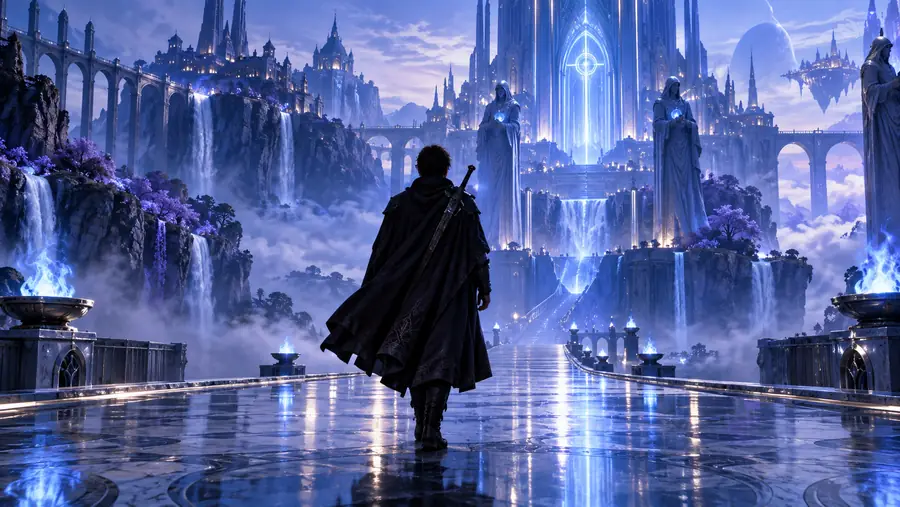
Describe the subject, setting, movement, mood, lighting, and framing in one clear prompt.
Focused video creation
The deevid ai video generator gives you a direct path from a visual idea to a usable video concept, with controls designed for focused scene creation.
Choose the right path
Use this focused video generator when you already know the scene you want. Choose a broader Deevid workflow when you need more specialized control over a particular part of production.
Describe the subject, setting, movement, mood, lighting, and framing in one clear prompt.
Refine the important visual direction instead of starting over with a completely new concept.
Check motion, composition, and consistency, then adjust the prompt for another focused pass.
Made for makers
This route is most useful when the goal is a video result rather than a general-purpose creative experiment.
Turn a compact idea into a moving hook for a social post, teaser, or vertical concept.
A focused brief helps you test several scene directions without losing the original idea.
deevid ai agentExplore product moments, campaign openings, and visual treatments before a full shoot or edit.
Use a repeatable scene description to compare creative directions with less production overhead.
deevid motion controlVisualize a character beat, establishing shot, transition, or atmospheric sequence from text.
The video workflow turns a written moment into something easier to review and discuss.
deevid ai musicCreate rough motion references for a pitch deck, storyboard, mood board, or edit decision.
A generated visual can clarify timing and tone before you commit to detailed post-production.
deevid ai agentA compact workflow
A strong result usually comes from giving Deevid a clear subject, action, and visual tone before adding optional detail.
From words to motion
The first result is a creative starting point, not a guarantee that every detail will land perfectly. Compare the initial concept with a refined pass and judge the motion, framing, and visual continuity together.
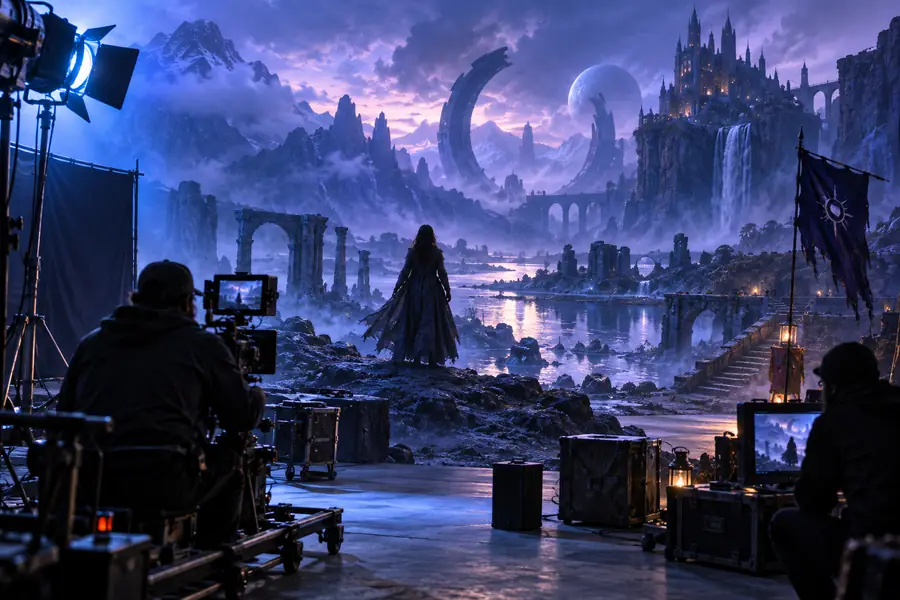
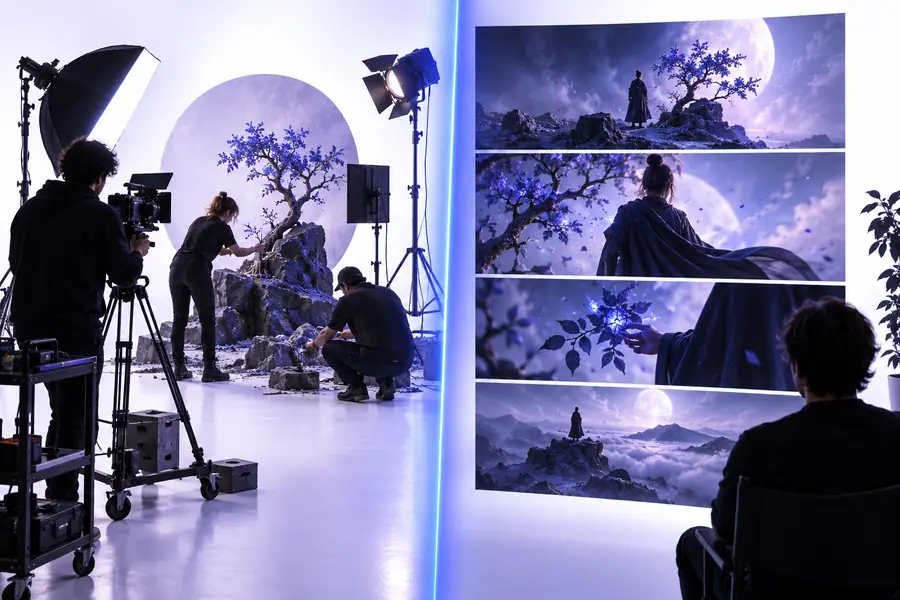
Refinement improves clarity, but complex scenes may still need several attempts.
Workflow comparison
The focused generator and the general Deevid route serve different starting points. Use the side-by-side view to choose the path that matches your next creative task.
Focused video generator
A specific scene or shot you want to visualize
General Deevid workflow
An open-ended project with several possible outputs
Focused video generator
A generated video concept or scene
General Deevid workflow
A broader mix of creative media workflows
Focused video generator
Describe subject, action, camera, and atmosphere
General Deevid workflow
Begin with a wider creative direction
Focused video generator
Tune motion, framing, and scene continuity
General Deevid workflow
Explore different tools or media directions
Focused video generator
Creators who want a direct route to video
General Deevid workflow
Creators still deciding which format to make
Focused video generator
Highly complex scenes may need repeated refinement
General Deevid workflow
A broader route can feel less direct for one-shot needs
Focused video generator
Move to a specialized workflow when one control becomes central
General Deevid workflow
Choose the focused generator once video is clearly the goal
Questions about Deevid
These answers cover the common questions people ask when searching for a deevid ai video generator.
A deevid ai video generator is a focused creation workflow for turning a written visual idea into a video concept. You describe the scene, motion, and style, then refine the result through additional direction.
Start with one scene and describe its subject, action, setting, camera movement, and mood. Review the first result, identify the weakest detail, and revise the prompt around that detail instead of changing everything at once.
Include the main subject, what it is doing, where the action happens, and the visual tone you want. Camera movement, lighting, framing, and pacing can make the direction more specific when they matter to the shot.
No single prompt should be expected to handle every production need perfectly. The focused generator works best for individual scenes and visual concepts, while complex continuity, specialized motion, or sound may require a different Deevid workflow.
AI video generation interprets several visual instructions at once, so intricate actions or crowded scenes can be inconsistent. Shorter prompts, clearer priorities, and deliberate second passes usually make the intended result easier to achieve.