Set the creative brief
Name the scene, emotional tone, pace, duration, and any instruments or production style you want to guide the soundtrack.
AI soundtracks
Deevid ai music helps video creators shape a soundtrack around a scene, story, or campaign idea. Describe the mood and intended use, then refine the result for your edit.
The music-focused entry point is designed around audio direction first, while the general Deevid workspace begins with a broader video goal.
Name the scene, emotional tone, pace, duration, and any instruments or production style you want to guide the soundtrack.
Use plain language to adjust intensity, rhythm, atmosphere, and transitions until the music supports the visual story.
Review the result against your footage, select the strongest passage, and prepare the soundtrack for your video workflow.
A music-first workflow is useful when the soundtrack is not an afterthought but part of the concept, timing, and emotional payoff.
You have a fast visual sequence and need a beat-led idea that supports quick cuts without overpowering the message.
Start with the pacing and energy of the edit, then refine the soundtrack around the moments viewers need to notice.
deevid motion controlA product launch needs a consistent sonic mood across teaser clips, social edits, and a longer presentation cut.
Use a shared brief to keep the atmosphere coherent while adapting the intensity to each version.
deevid ai video generatorA scene has the right images but lacks tension, warmth, or momentum in the transition between shots.
Describe the dramatic turn and let the soundtrack brief follow the story rather than a generic genre label.
deevid ai agentYou need a quick musical starting point before making detailed choices about cuts, sound effects, and final mix balance.
Create a rough direction, test it against the timeline, and use the result to make the next editorial decision.
Try Deevid AI musicBegin with a specific visual situation instead of a broad request. The clearer the scene and timing, the easier it is to judge whether the music belongs in the edit.
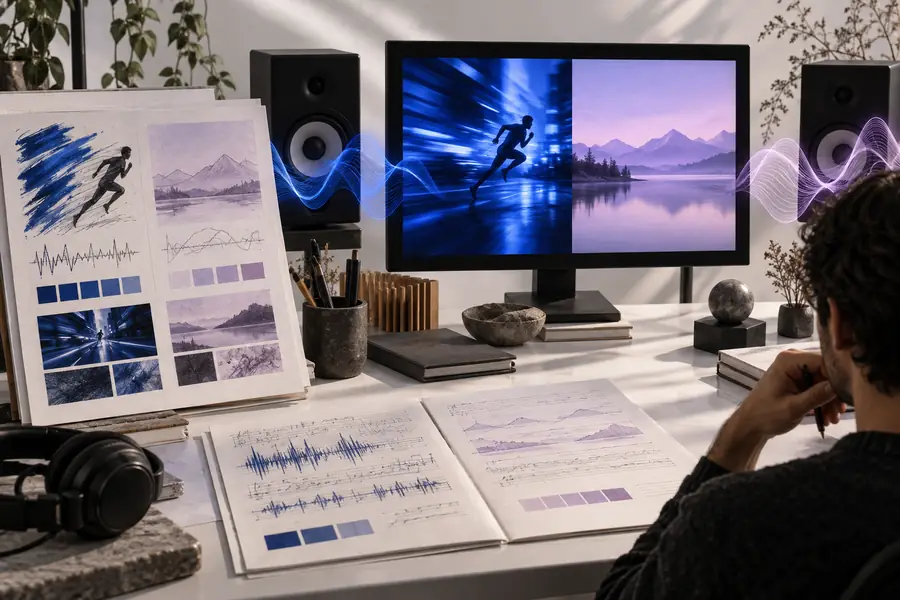
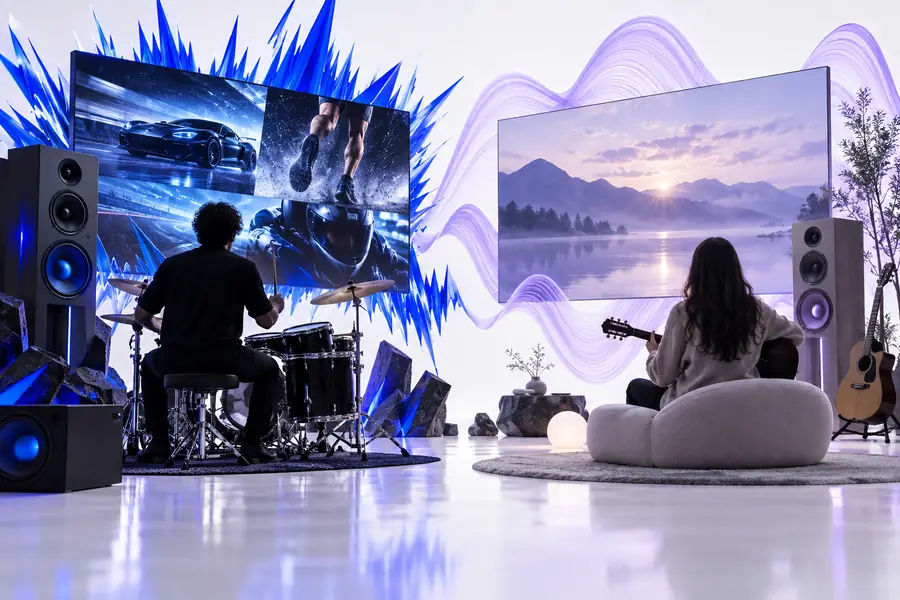
Brief first → listen against the picture
Use the comparison below to decide whether a music-first session or a broader video session is the better starting point for your project.
Music-focused entry point
A soundtrack brief, mood, or musical direction
General Deevid entry point
A complete video idea or production goal
Music-focused entry point
Developing audio identity for an existing or planned edit
General Deevid entry point
Combining visual generation with broader scene development
Music-focused entry point
Mood, pace, instruments, tension, duration, and reference context
General Deevid entry point
Prompt, images, scenes, characters, or a video concept
Music-focused entry point
What should the audience feel and hear here?
General Deevid entry point
What should the finished video show?
Music-focused entry point
Energy, atmosphere, rhythm, and transitions
General Deevid entry point
Visual continuity, composition, movement, and storytelling
Music-focused entry point
When music shapes the timing or emotional arc
General Deevid entry point
When sound is one part of a larger generation workflow
Music-focused entry point
Iterative listening against a visual reference
General Deevid entry point
Iterative prompting across multiple video elements
Music-focused entry point
A soundtrack direction ready for editing
General Deevid entry point
A broader set of visual or video assets
Treat Deevid music output as a creative starting point, not a finished mix. Human review still matters when timing, rights, vocal performance, or detailed production control is important.
Deevid ai music is intended for developing soundtrack ideas around video concepts, scenes, moods, and pacing. It can help creators move from a written audio direction to a usable starting point for an edit.
Yes. A useful brief can mention emotion, tempo, intensity, instruments, atmosphere, duration, and the visual moment the music should support. Specific scene context is usually more helpful than naming a broad genre alone.
It can be a practical starting point for short-form edits, teasers, product clips, and social content where pacing and emotional impact need to be established quickly. Always review the soundtrack against the actual cut before publishing.
The music-focused workflow can help develop a soundtrack direction for a larger project, but suitability depends on the project’s required duration, arrangement, mix, and usage terms. Check the resulting audio in the context of your full production workflow.
Describe what is happening on screen, how the scene should feel, how quickly it should move, and where the music should build or resolve. Then revise one quality at a time, such as intensity, instrumentation, or transition timing.