Required
Remove names, faces, addresses, account numbers, and other unnecessary personal details.
Minimize sensitive content before upload.
Privacy guide
Are DeeVid videos private depends on how a video is created, stored, reviewed, and shared. This guide separates the visible workflow from the privacy assumptions you should not make.
Before you begin
Use this checklist before placing sensitive material into any AI video workflow. It helps you decide what belongs in a draft and what should stay out.
Minimize sensitive content before upload.
Privacy and rights are separate checks.
Keep confidential work in an approved environment.
File names can expose context.
Useful for recovery and record keeping.
Check both visuals and captions.
The privacy path
A cautious workflow treats privacy as a series of decisions rather than a single setting. The three steps below make those decisions visible.
Trim the brief to the creative information the tool needs. Replace identifiable or confidential details with generic descriptions where possible.
Generate the draft, then inspect the output for faces, text, logos, locations, or other details that were not meant to appear.
Keep the finished file in the channel intended for it. Share only with the people who need access, and avoid assuming an unpublished file is automatically private.
Important limits
Privacy-conscious handling reduces exposure, but it cannot turn a general-purpose video workflow into a guaranteed confidential vault.
No online creative service should be treated as a guarantee that material can never be accessed, copied, or exposed.
WorkaroundUse non-sensitive test material and follow your organization’s approved-tool policy.
Removing a file later may not erase copies, exports, screenshots, or information already shared by people involved.
WorkaroundDecide what may be uploaded before starting and keep the first draft intentionally generic.
A private project can still contain footage, music, images, or likenesses that you are not authorized to use.
WorkaroundTrack permissions separately from your privacy review.
Once a video is downloaded or forwarded, the original creator may no longer control where it travels.
WorkaroundUse deliberate sharing, watermarks where appropriate, and a clear recipient list.
Continue the review
Privacy is one part of choosing an AI video workflow. These related pages cover the adjacent questions people usually ask next.
Workflow contrast
The difference is not a magic privacy switch. It is the difference between treating every input as harmless and making deliberate choices about what enters the workflow.

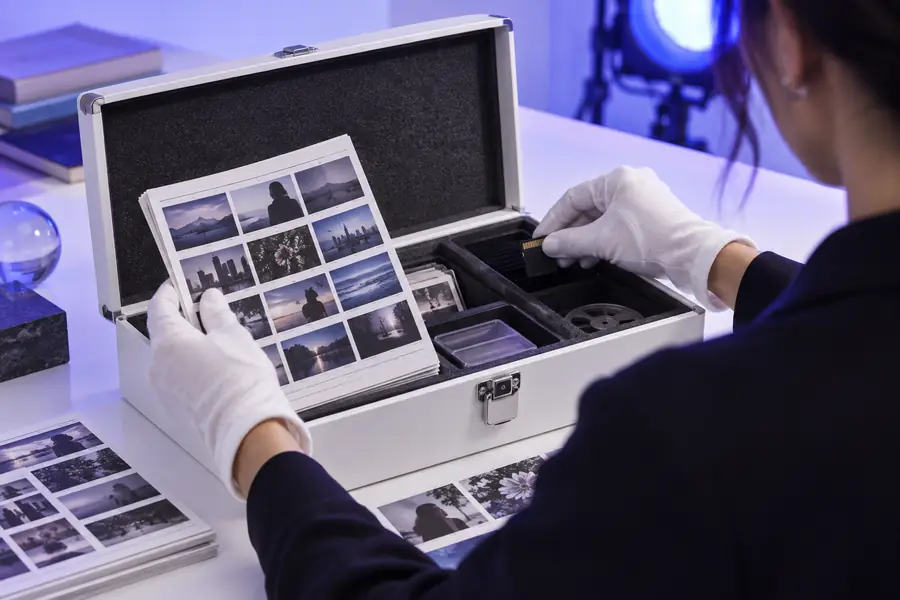
A safer process starts with less sensitive input and ends with a deliberate sharing decision.
Choose your approach
The right choice depends on the sensitivity of the material, not only on the quality of the finished video.
1
Use a short, non-sensitive brief and review the result before keeping it.
This gives you a realistic workflow test without exposing personal or confidential information.
2
Replace those details, obtain the needed permissions, or move the work to an approved environment.
Creative convenience should not decide how sensitive information is handled.
3
Export only the intended version and share it through a controlled channel.
Privacy risk often increases during distribution, after creation is finished.
How expectations evolved
Video privacy expectations changed as online creation moved from local editing to connected, collaborative workflows.
Many projects were assembled on a personal computer, so privacy decisions centered on the device, removable media, and final delivery.
Shared links, cloud storage, and browser-based review made collaboration simpler while adding more places to check access.
Creators began sending written directions, images, clips, and references through online systems, making input minimization more important.
Teams now separate creative experimentation from sensitive production work, review outputs, and control who receives the export.
Privacy FAQ
The short answer is to avoid treating privacy as automatic. Review the specific material, workflow, and sharing step before you decide whether a project is appropriate.
Do not assume that a DeeVid video is private simply because it has not been published. Privacy depends on the service workflow, the material you provide, the controls available to you, and how the resulting file is shared.
A video should not be treated as private by default without checking the current workflow and applicable settings. Use generic test material first, avoid unnecessary personal information, and review the file before sending it to others.
Only do so when the workflow is approved for that level of sensitivity and you understand the relevant handling conditions. Otherwise, remove identifying details or use a tool and process designed for confidential work.
Start with the minimum information needed, remove names and identifying details, confirm permissions, and limit access to the finished export. These steps reduce exposure, but they cannot provide an absolute guarantee of secrecy.